Batch crafting: craft and enchant
When it comes to enchanting, Tlessa offers a way to automate the levelling experience, craft and enchant a specific number of items, or create a full equippable set.
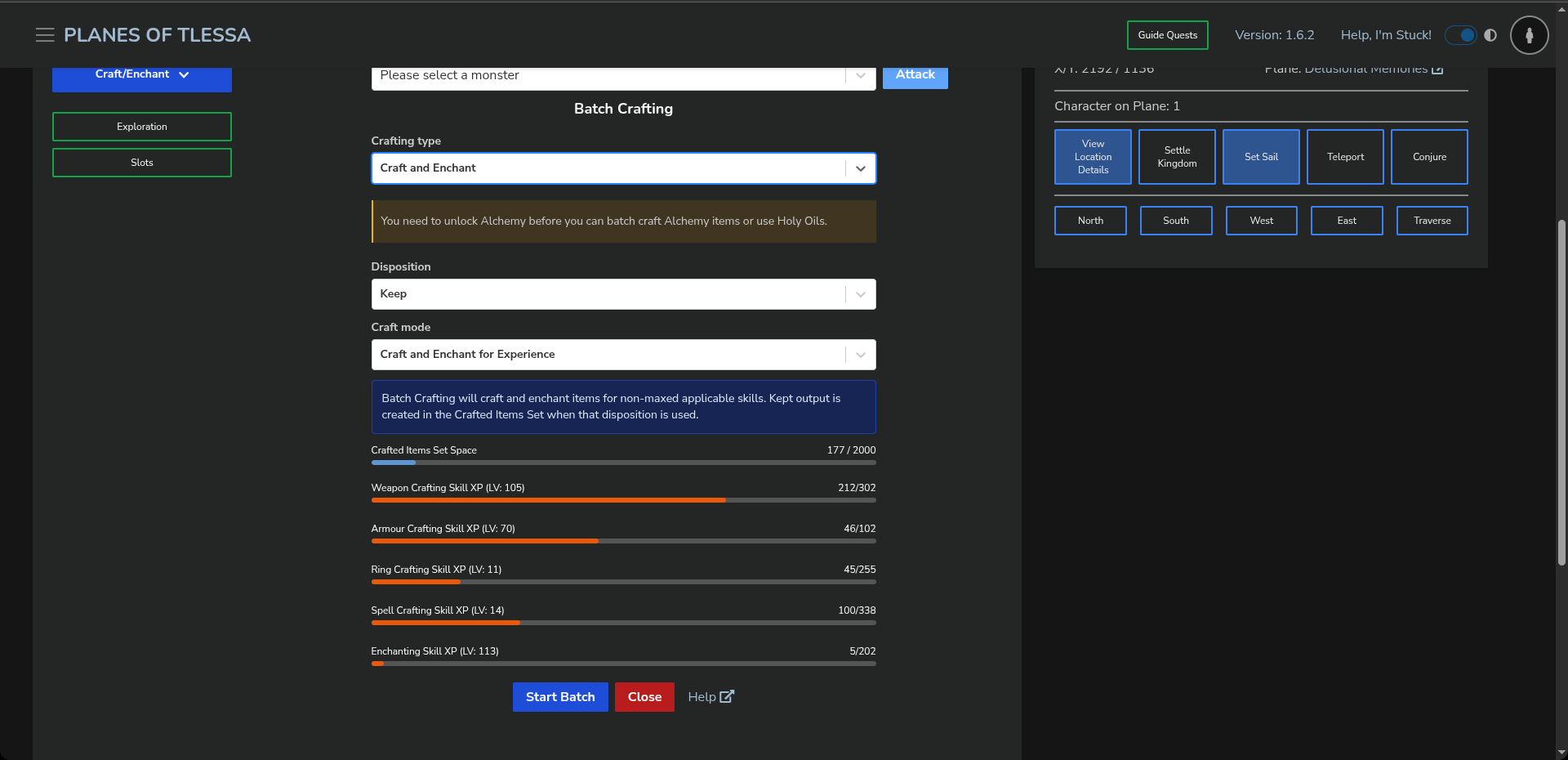
To the right, or below on mobile, you can see what the Craft and Enchant form looks like when you open it.
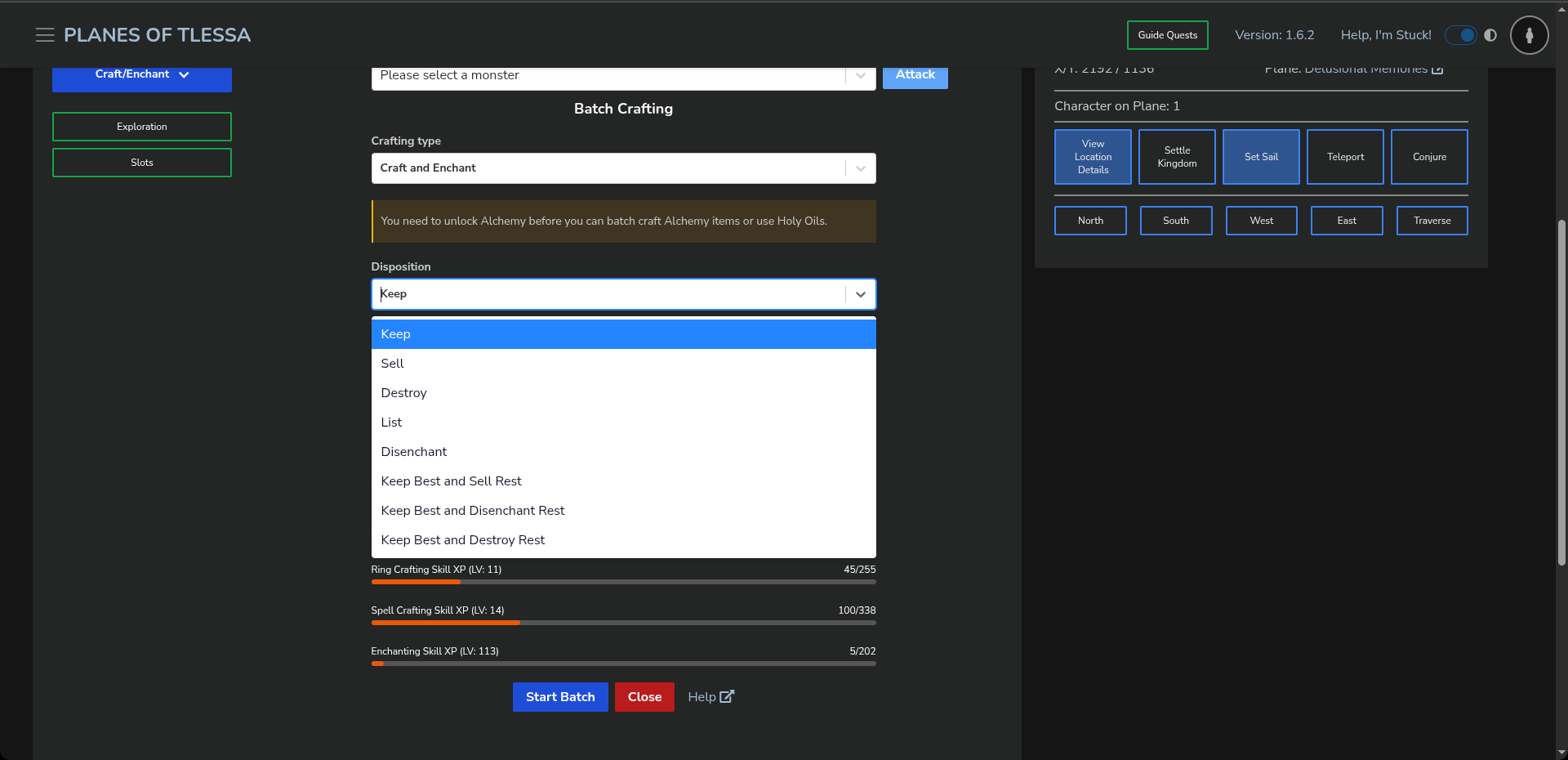
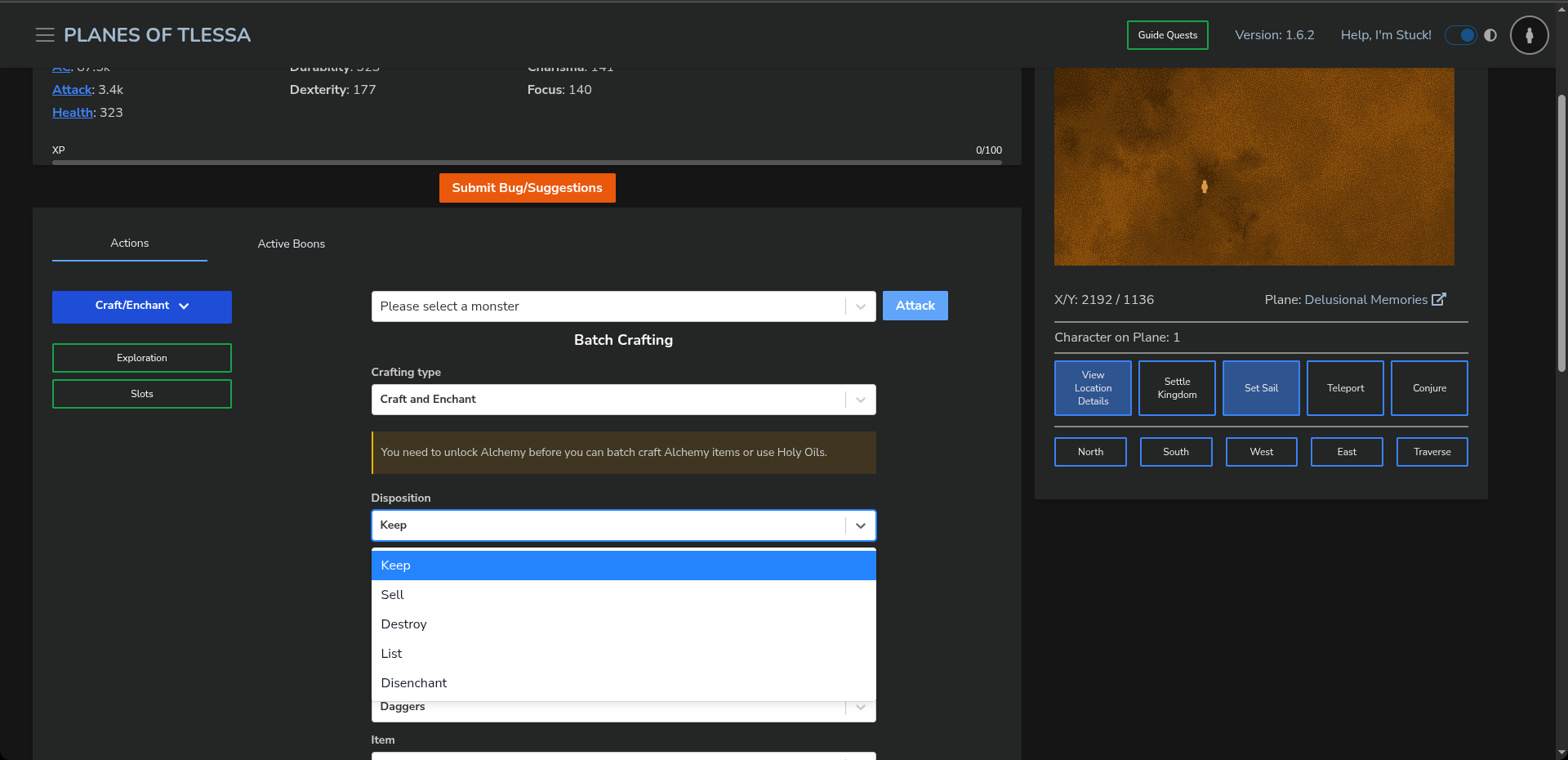
You also have options for keeping or discarding items, which you can see to the right, or below on mobile.
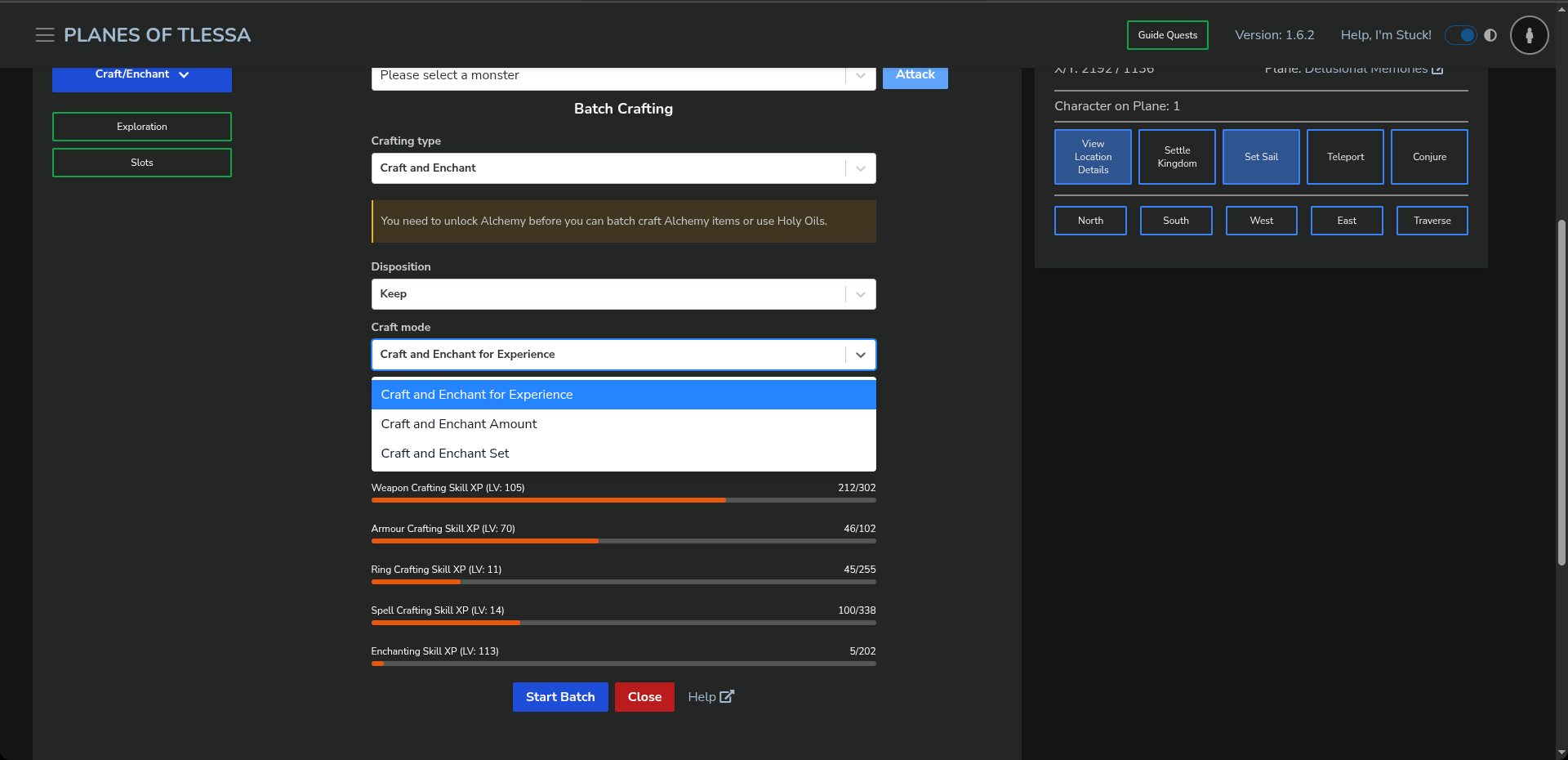
You can also define which form of Batch Crafting and Enchanting you want to use, whether for a specific amount, experience, or, as mentioned, an equippable set. You can see these options to the right, or below on mobile.
For Experience
When crafting and enchanting for experience, we follow all enchanting rules. This means Intelligence, one of your character's stats, is a requirement that can stop you in your tracks.
We also place all items in your Crafted Items set.
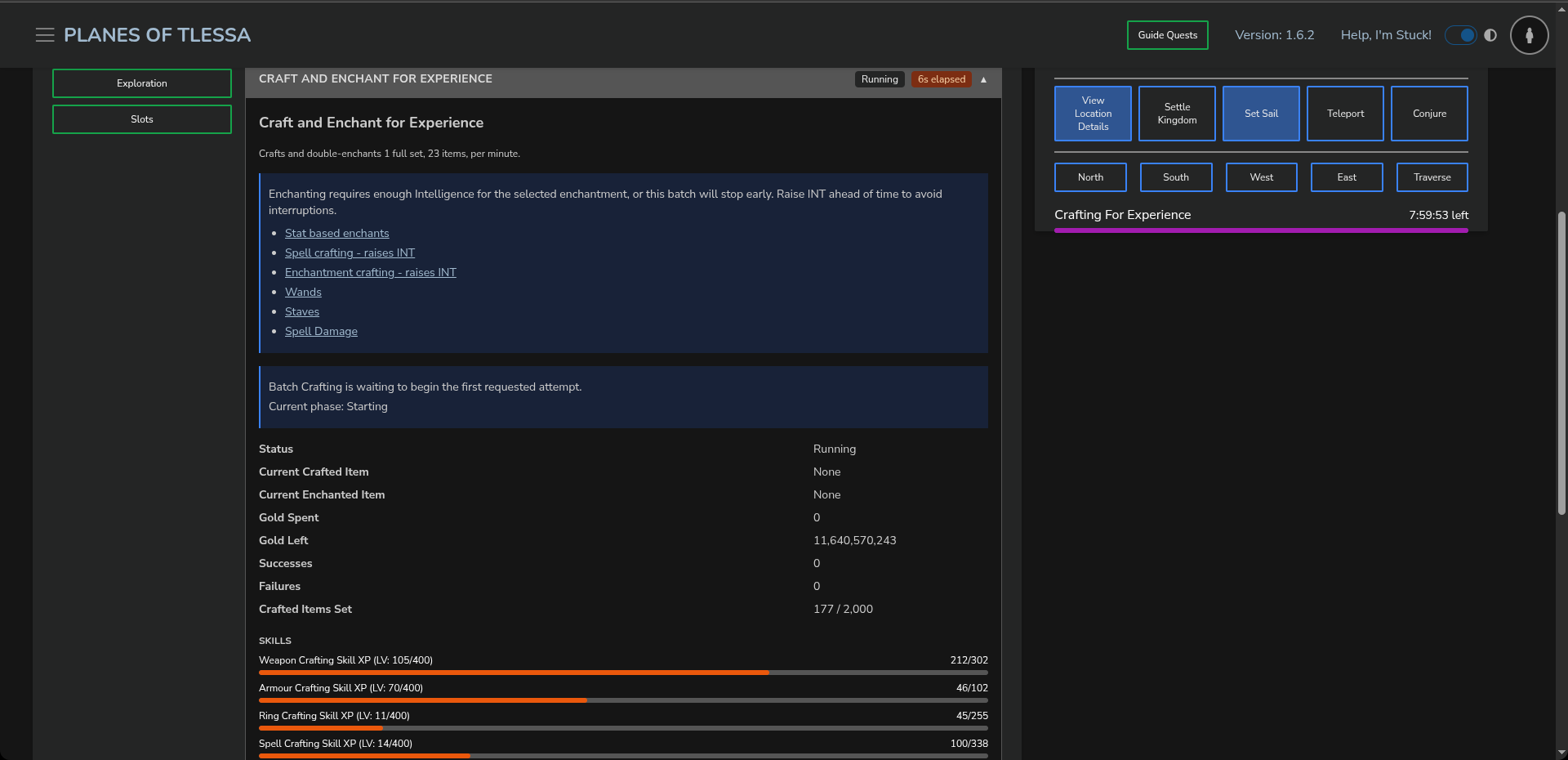
When you start crafting and enchanting for experience, you will see a panel to the right, or below on mobile. Here, we show you all the statistical data about your crafting and enchanting, including the cost.
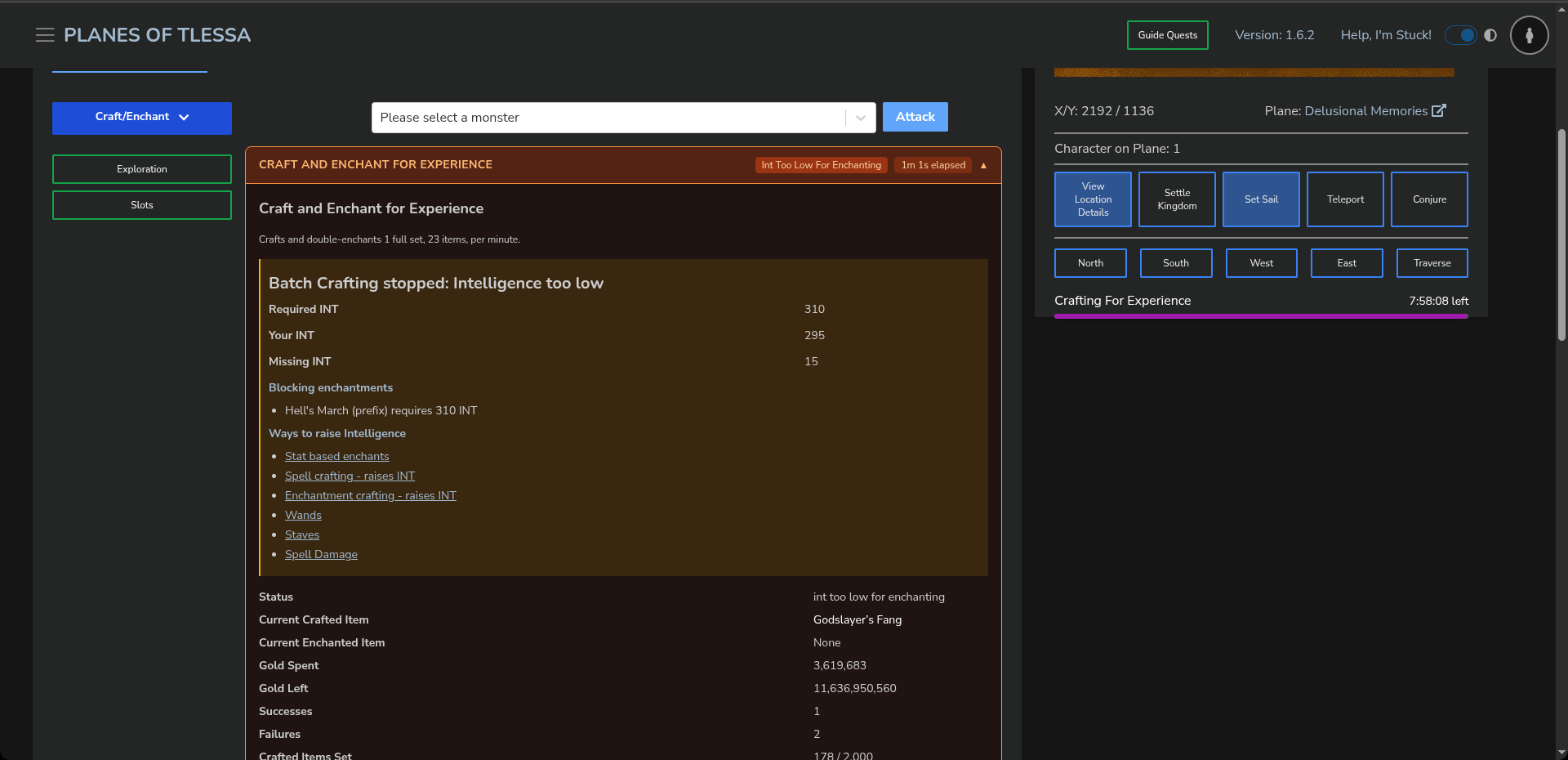
In the image to the right, or below on mobile, you will see that automation has stopped because our Intelligence is too low. It also provides links to enchantments and items that can help increase your character's Intelligence.
This option will disappear from the Craft and Enchant drop-down menu once you have
For an Amount
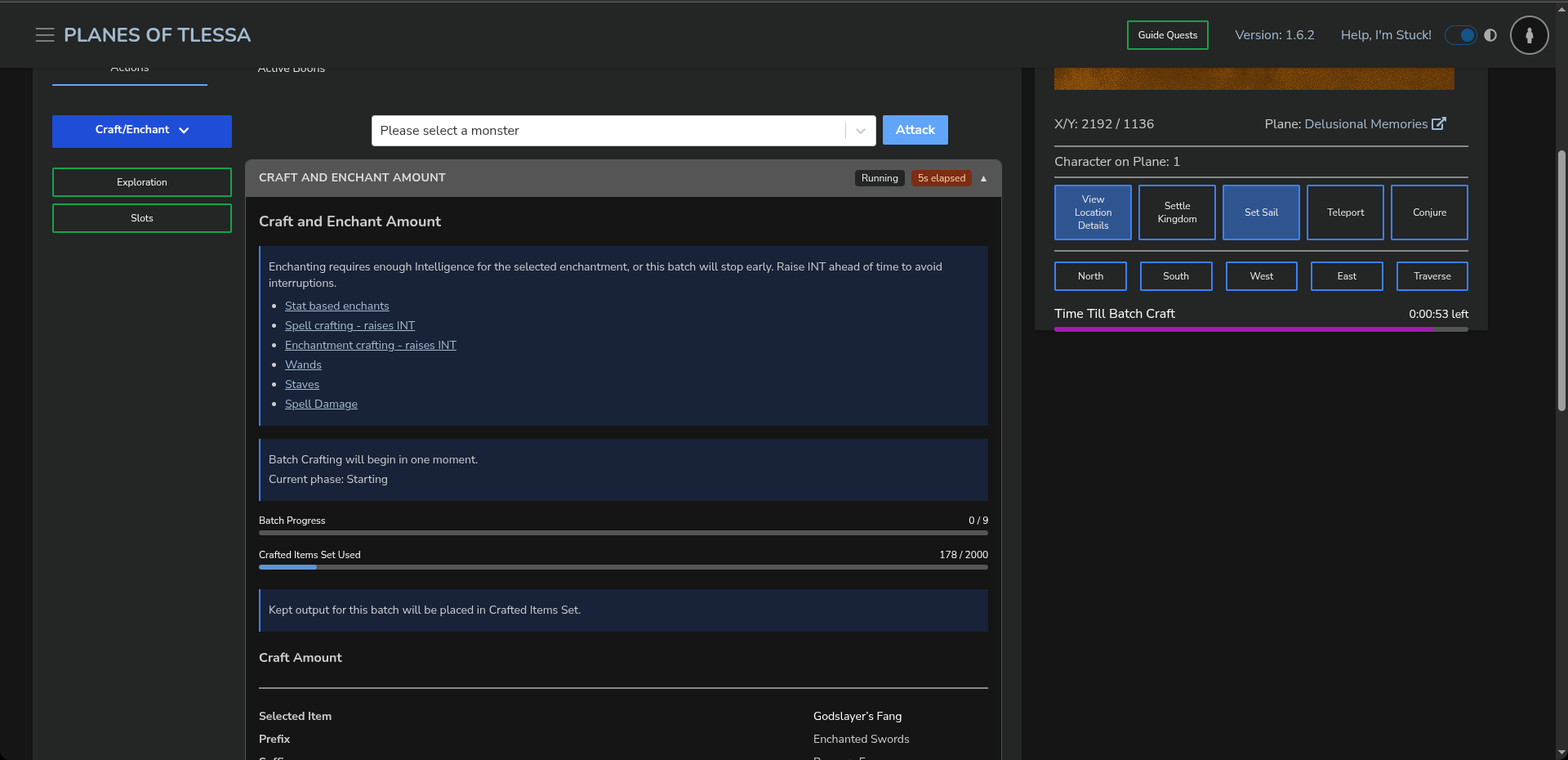
When crafting and enchanting a specific amount, you have the same options, with the exception of what you do with the items. You can see these options to the right, or below on mobile.
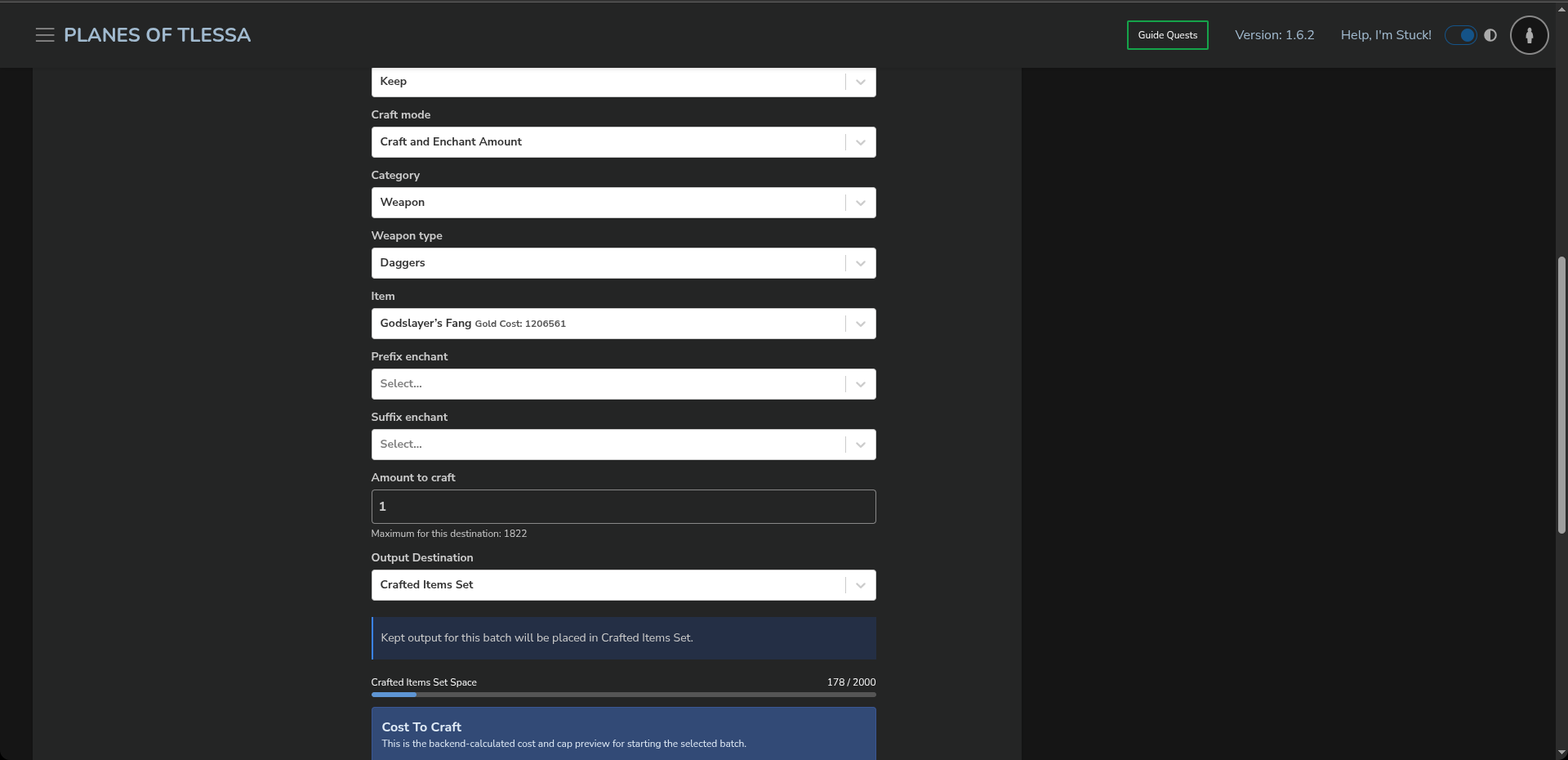
In the image to the right, or below on mobile, you can see that the form is slightly more involved. You can select the item and enchantments, and then begin Batch Crafting the selected amount.
This leads to the panel shown to the right, or below on mobile, which displays all the details of your batch amount crafting. This is very similar to Batch Crafting: Crafting Items.
For a Set
When crafting and enchanting a set, as shown to the right, or below on mobile, another form allows you to define where the set should be placed and what should be done with it. These options are similar to those available when crafting and enchanting a specific amount.
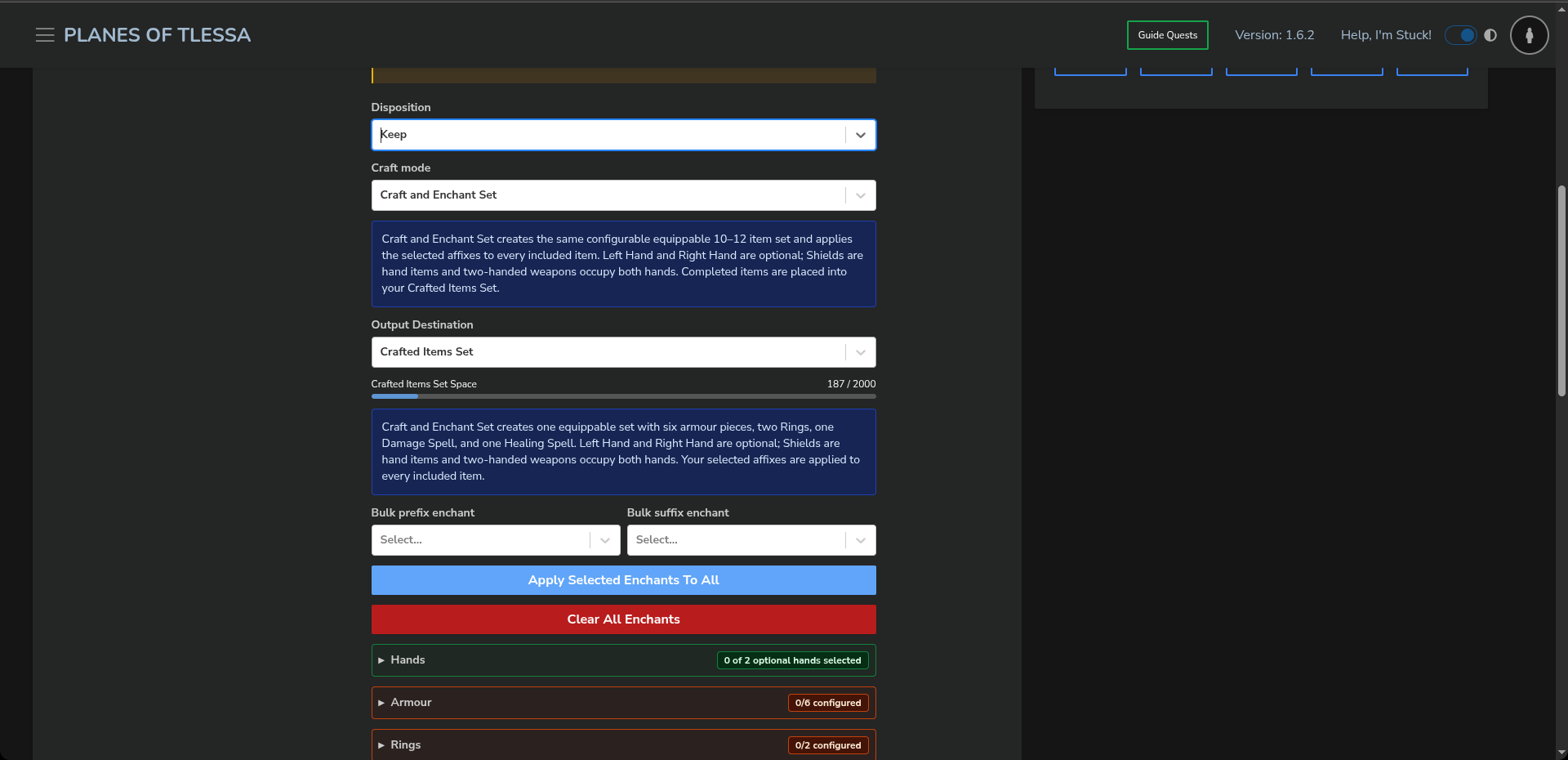
More importantly, you can configure every aspect of the set, including the armour, hand slots, and enchantments for each item. You can also select enchantments and apply them to all gear. You can see this to the right, or below on mobile.
By default, we will select the best enchantment and item that you can currently craft and enchant.
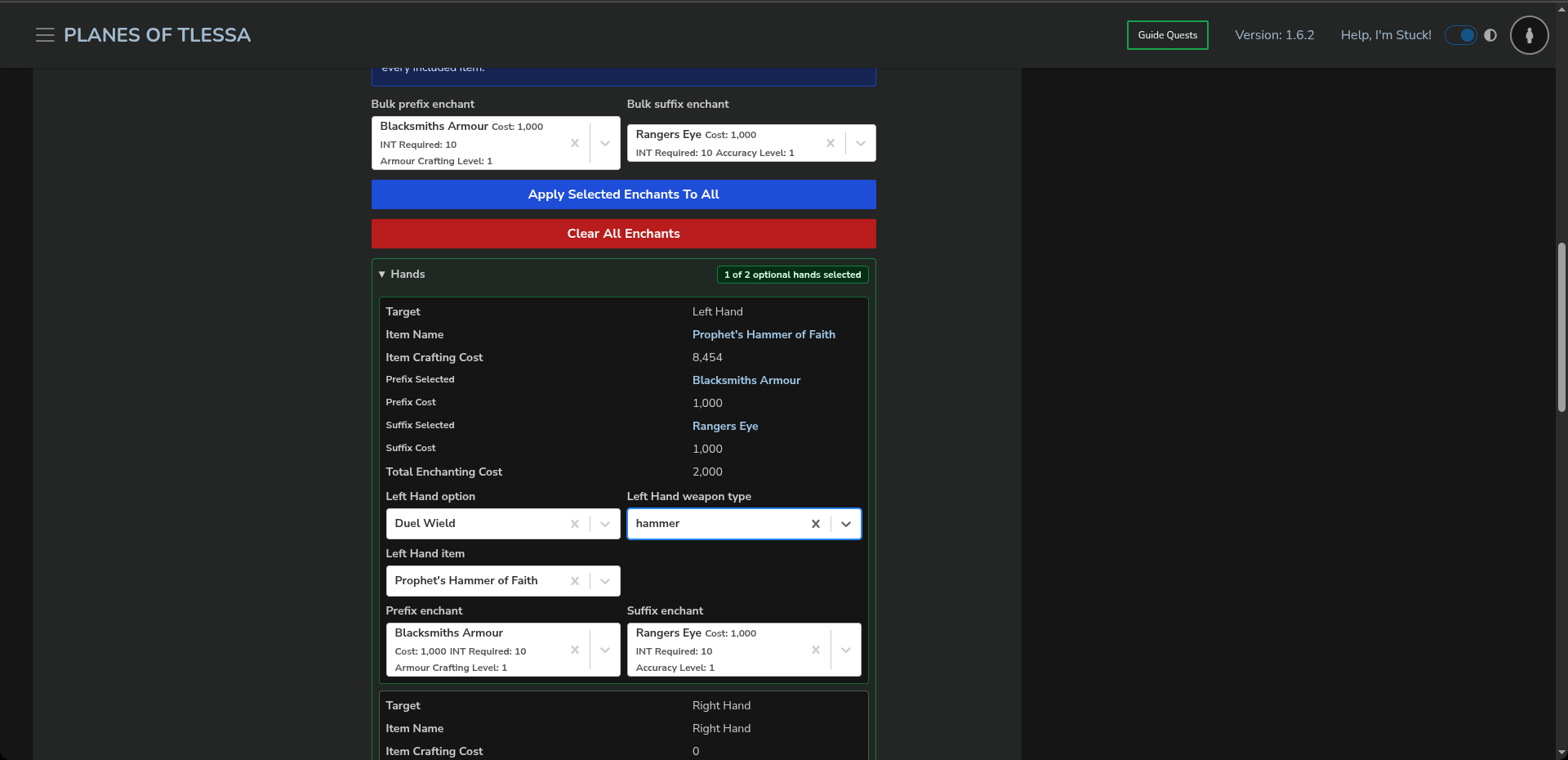
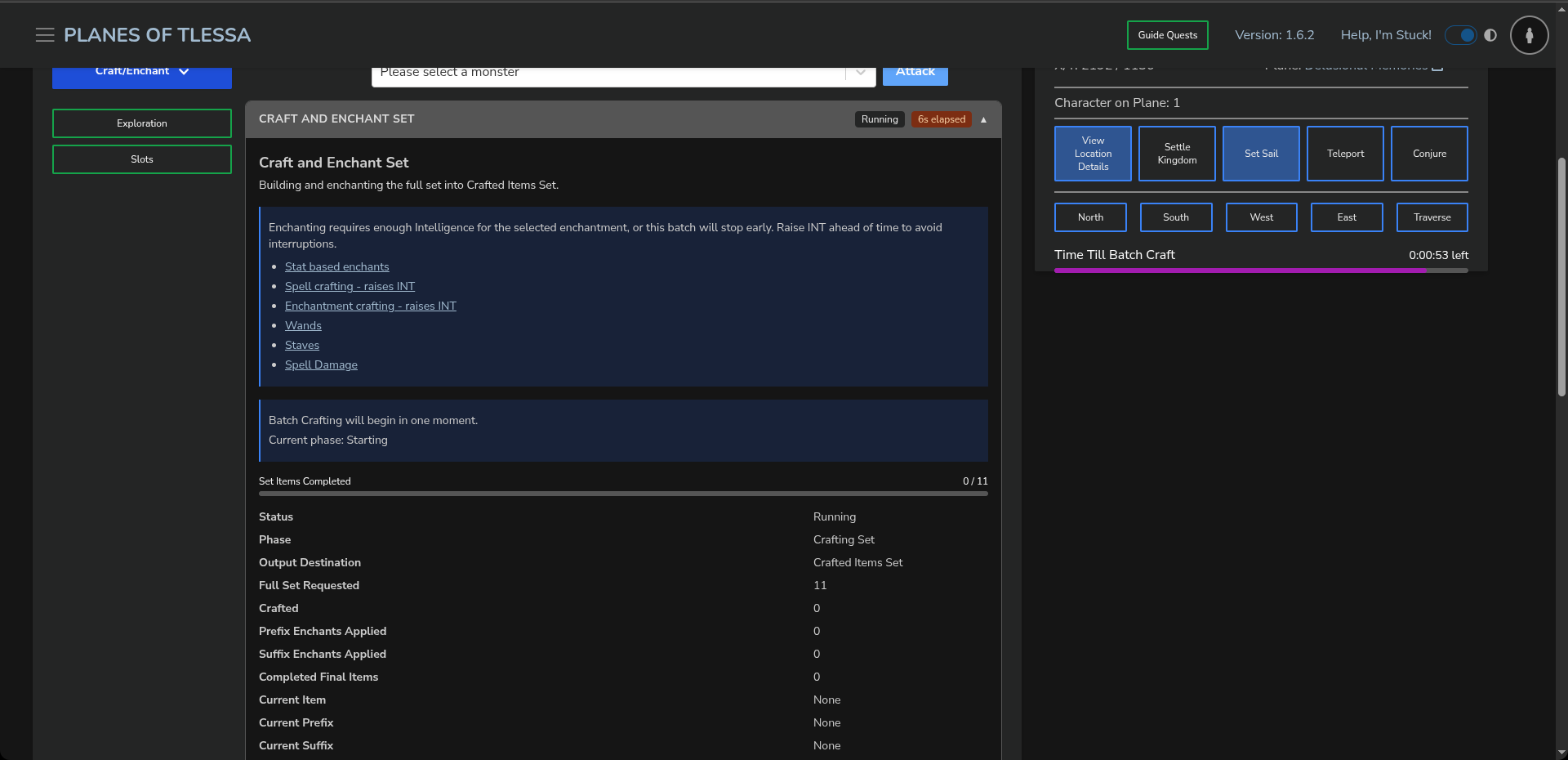
Once you begin, much like when crafting a specific amount, you will see a panel detailing what has been crafted and the total gold cost. You can see this to the right, or below on mobile.